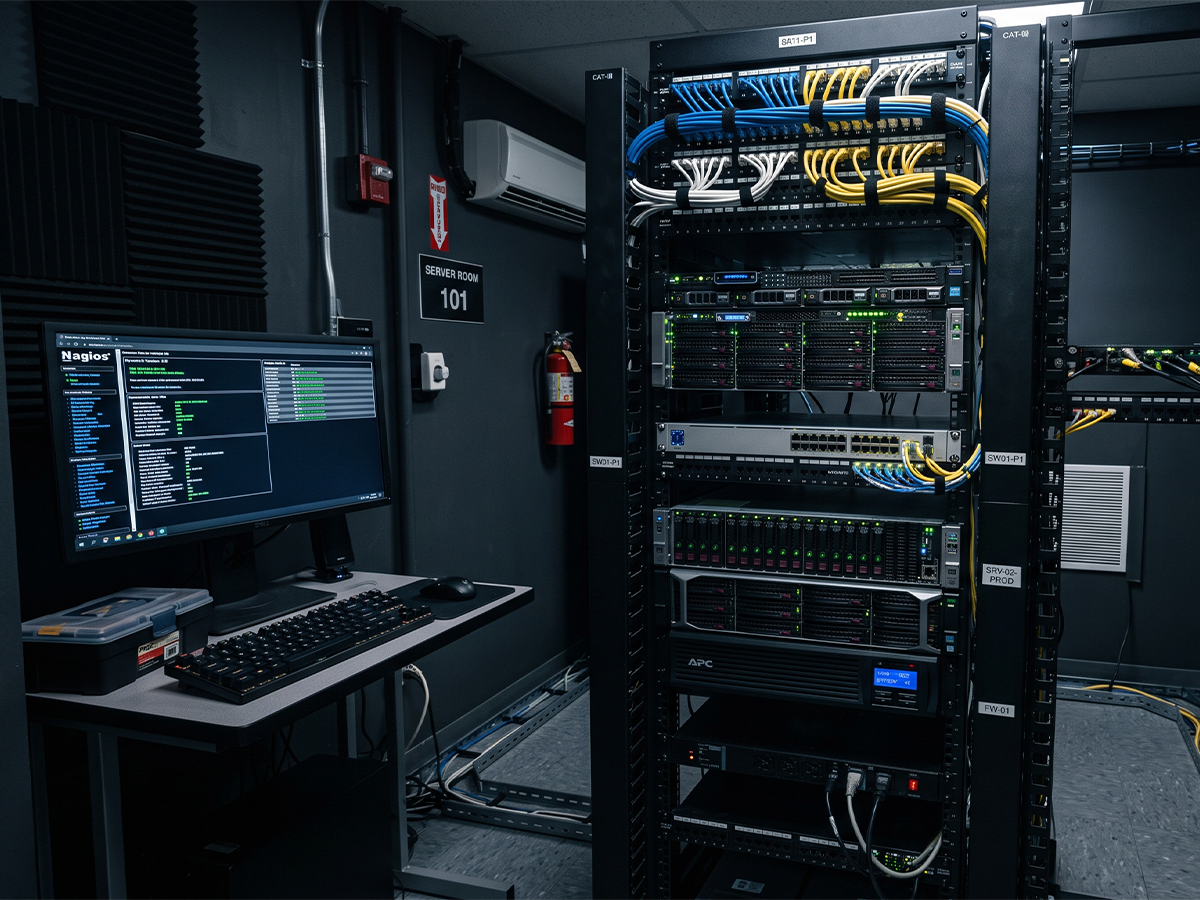


There was a time when AV and IT could politely wave to each other from opposite sides of the equipment rack. IT handled the network, servers, credentials, security, and the occasional printer exorcism. AV handled microphones, speakers, DSP, video routing, and control systems.
That line has been blurred for quite a while now. Conferencing DSP can run on a Windows host. Control systems talk to cloud services. Microphones sit on the network. Audio travels over Dante, AES67, or other IP-based transport. Licenses, firmware, certificates, switch configuration, and OS policy can matter just as much as where the ceiling mic is pointed.
Welcome to the converged AV+IT world: the place where the network map and the reflected ceiling plan have to become friends.
Tech Corner translation: Software has not made AV less technical. It has made AV technical in two directions at once.
The Conference Room is Working, But How is it Performing?
A capable IT team is critical in a modern AV deployment. They can provision machines, manage licenses, enforce security policy, maintain user accounts, approve firewall rules, image PCs, push updates, and keep the infrastructure from turning into a spreadsheet of expired credentials.

But getting the software installed is only the first move. The next question is whether the system actually behaves like a professional audio system in a real room with real people, real HVAC noise, real glass walls, real loud talkers, and one person at the far end asking, “Can you hear me now?”
That’s where AV engineering comes in. A sysadmin may know exactly why a service failed to start after a Windows update. An AV engineer knows why the far end hears room echo, why the CEO sounds 12 feet away from a microphone that is three feet away, why the automixer is chopping the beginnings of words, and why the AEC reference is technically present but functionally useless.
Software DSP Still Has to do DSP Things
The fact that a DSP platform now lives on a PC, in an appliance, in a virtualized environment, or behind a license portal does not eliminate the underlying audio work. It just changes where the knobs live. Sometimes the knobs are in a browser tab. Sometimes they are in a software client. Sometimes they are hidden behind a slick GUI that is quietly waiting for someone to understand signal flow.
For a conference room, training space, boardroom, lecture hall, or hybrid meeting environment, the core AV questions still apply:
- Gain structure: Are microphone levels optimized for speech without clipping, noise buildup, or muddied intelligibility?
- Acoustic echo cancellation: Is the AEC reference routed correctly, timed correctly, and isolated from sources that should not feed the canceller?
- Automixing behavior: Are gating thresholds, NOM attenuation, priority logic, and hold times appropriate for the way people actually use the room?
- Noise reduction: Is AI-assisted processing improving intelligibility, or is it turning normal conversation into a discussion between robots?
- Loudspeaker zoning: Are program audio, far-end voice, reinforcement, and overflow feeds routed to the right places at the right levels?
- Networked audio: Are Dante/AES67 subscriptions, clocking, sample rates, multicast behavior, and QoS configured properly?
- Control logic: Can a non-technical user walk in, start a meeting, and leave without discovering three new ways to panic?
A license key is not a tiny audio engineer trapped inside a laptop. The DSP still needs design, commissioning, testing, documentation, and support.
A Real World Example - The “Three Cool Mics on the Table” Challenge
Modern conferencing products can be incredibly powerful. A set of attractive table microphones or ceiling microphones feeding an AI-assisted automixing and noise-reduction platform can make a room look beautifully simple. That simplicity is the point.

But behind the clean table, the system still needs decisions: microphone coverage zones, pickup strategy, DSP topology, host computer location, USB or network audio paths, camera/audio integration, content sharing, control, security, update management, and failover expectations. The room may look minimalist. The signal path is not.
Fun but true: Software can suppress typing on a keyboard. It cannot know that the quietest participant always sits under the HVAC diffuser unless a human designs and tunes around the room.
Where AV and IT Really Collide
Converged systems fail most often in the handoff between disciplines. AV assumes the network is ready. IT assumes the audio settings are intuitive. The user assumes the room will work because the calendar invite has a video link. Everyone is technically correct until the first executive meeting starts.
A properly integrated AV+IT workflow has to address both sides of the equation:
| IT / Infrastructure Questions | AV / Room Performance Questions |
| - What host hardware or VM environment will run the software? - How are licenses activated, renewed, and recovered? Which ports, services, VLANs, and firewall rules are required? - How are OS updates, drivers, security agents, and endpoint policies managed? - Who owns backups, credentials, and remote access? |
- What microphone strategy fits the room geometry? - How is gain optimized from mic input to far-end codec? - Is the AEC reference clean, stable, and correctly routed? - Do automixer settings match user behavior? - Are loudspeakers, cameras, presets, and control pages aligned to the meeting workflow? |
The answer is rarely “AV only” or “IT only.” The answer is a coordinated design that treats audio, video, control, network, compute, and user experience as one operating system for the room. Because your meeting spaces shouldn't just work, they should perform. From system design and DSP programming to commissioning and troubleshooting, Dale Integration Services can help optimize your AV systems to maximize performance and create a seamless user experience. Reach out today to get started.